 Service / Troubleshooting / Help
Lost your garage remote? Start here.
Identify the missing remote, protect access and prepare for a replacement without guessing at a reset procedure.
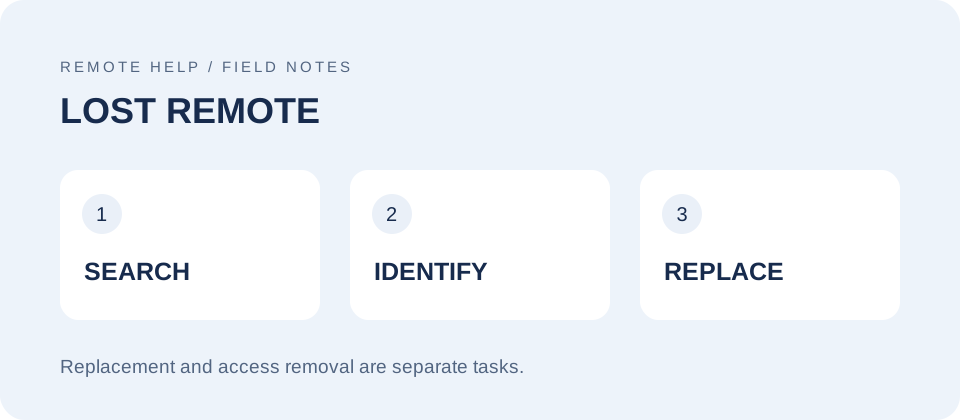
When a LiftMaster or Chamberlain remote disappears, there are two jobs: deciding what to do about the missing device's access and finding a compatible replacement. You do not have to know the old remote's model to start. The opener or separate receiver label is often the more useful information.
Start with where it was last seen
Check the obvious places once: the visor, coat pockets, bags, seat gaps, and the place you normally leave your keys. Ask household members whether the remote was borrowed or moved to another vehicle. Write down the last time it was definitely used rather than repeatedly searching the same locations.
If it was lost away from home, left in a sold vehicle, or missing with identifying documents, treat the access question as a priority. If you suspect theft, use our stolen remote checklist. Finding a spare does not resolve what the missing remote might still operate.
Gather the right details without the old remote
Photograph the opener's model label only if you can reach it safely. Note any separate receiver and whether the system operates a private garage, a gate, or a shared entrance. A photo of a spare remote can also help, but record its complete model and brand rather than assuming it matches the lost one.
Our identification guide explains what information to collect. Avoid opening the motor housing or touching wiring just to identify the system. If a label is inaccessible, describe what you can see and ask for help instead of balancing on furniture or reaching over moving equipment.
Decide whether stored access needs to be removed
Adding a replacement is a different operation from revoking the missing remote. For learn-button residential equipment, the applicable manual may require clearing the stored remotes and keypads and setting up the devices you still have. Plan for that interruption before starting.
Do not apply that approach automatically to an older DIP-switch receiver, a commercial access system, or a community gate. Ask the owner or administrator for the correct process. For an app-managed system, confirm which specific remote-management action is supported; removing an opener from your account is not the same task.
Keep a written record of which receivers were addressed. If the missing remote controlled two doors, check both. Do not assume work on one opener changed the other. A successful replacement test shows that the new remote works, not that the missing one has stopped working.
Program only after the model match is clear
Use the correct remote instructions together with the opener or receiver instructions. Start at our model guide hub or programming guide. Some newer QR-equipped remotes support guided app pairing, but that does not replace compatibility checking or the separate access-removal decision.
Keep people, pets, and vehicles clear during testing. Test each intended button with the door in sight. If the door behaves unexpectedly, stop rather than repeating random programming sequences. Before finishing, make sure other household members understand which remotes and keypads remain usable.