 Service / Troubleshooting / Help
What to do if your garage remote is stolen
Treat a stolen remote as an access issue first. Follow the right removal procedure and avoid accidentally disabling retained controls.
A stolen LiftMaster or Chamberlain remote is more than a missing accessory. It may still operate every door or gate assigned to its buttons. Buying another remote solves the convenience problem, not necessarily the access problem. Start by identifying the affected equipment and arranging the correct removal procedure before choosing a replacement.
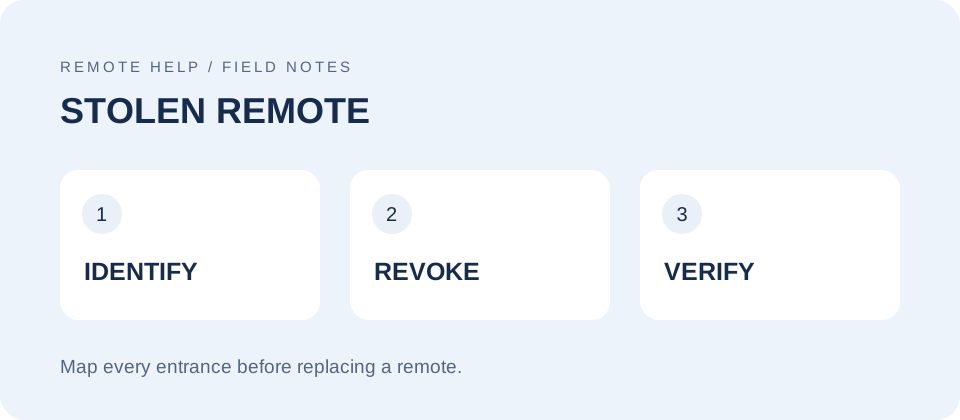
First, work out what the remote could operate
List each garage door, driveway gate, shared entrance, and other location controlled by the missing remote. Include buttons you rarely used. If it disappeared with your vehicle, keys, or documents showing your address, tell the person helping you about that context. Do not publish your address or access details in a public support comment.
If someone may be inside the property or there is an immediate threat, move to a safe place and contact local emergency services. Do not confront a suspected thief. Keep the garage closed if you can operate it safely; do not force a damaged door or improvise a mechanical lock while the opener remains able to run.
Identify the receiver, not just the handheld remote
Record the opener model, any separate receiver model, and the remote model if you have a photograph or spare. The receiver determines how stored access is removed. Use our remote identification guide and model guide hub to organize those details.
A handheld model alone is not enough. A remote used at two properties can be enrolled in two different receivers. Removing it at home does not establish that access was removed at your workplace or shared gate. Contact each system owner separately.
Use the procedure for your exact system
Learn-button residential systems: Many LiftMaster and Chamberlain openers provide a memory-erasure procedure that removes the stored remotes and keypads together. Follow the exact opener or control-panel manual, then enroll only the devices you intend to keep. Do not guess at a button location or holding time from a different model's video.
Security+ 3.0 and app-managed equipment: Confirm the actual opener, remote, and supported management features before choosing a removal method. A remote's name in an app is not, by itself, proof that its radio access has been revoked. Do not confuse deleting the entire opener from an account with removing a remote credential.
DIP-switch or external-receiver systems: Stop before applying a learn-button reset recipe. These require receiver-specific instructions. Shared-code equipment and managed access systems need particular care because a change can affect other users.
Community gates and commercial entrances: Ask the property manager or access administrator to handle revocation. Do not clear a shared receiver yourself. Tell the administrator which entrances the remote operated and request confirmation of the action taken.
Check the result before calling the job finished
For a whole-memory erase, a retained remote that previously worked can help check the result before it is enrolled again. If it still operates the door, stop and investigate with the correct manual. That test concerns that receiver only; it does not prove that every possible access path has been removed.
The stolen remote normally cannot be tested directly because it is unavailable. Record the receiver model, the procedure completed, its confirmation signal, and which devices were enrolled afterward. If any of those details are uncertain, do not describe the property as secured on the strength of a reset attempt.
Replace and rebuild access deliberately
Collect the remaining remotes and keypads before reprogramming. Allow time for household members to regain access. Unplugging the opener is not a substitute for removing its stored programming.
Compare replacements by exact compatibility, not appearance. The 893LM, 893MAX, and L993S are separate model references—not interchangeable recommendations. Bring the opener information to the conversation before selecting one.