Service / Troubleshooting / Help
LiftMaster
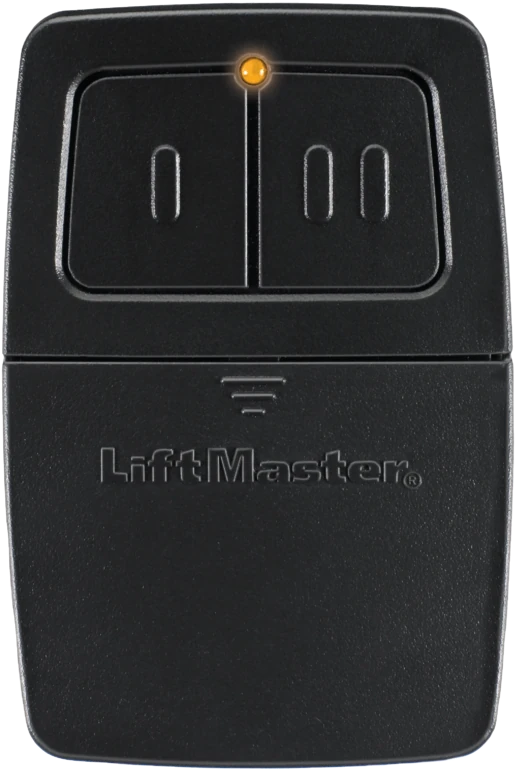
374UT
Handheld remote
Model detailsRemote / Receiver / Revision
The right model number is only part of the answer. Receiver technology, regional variants and hardware revisions matter too.
A clear way forward
Keep the manufacturer, full model and hardware revision together.
Use the external receiver model if the system has one.
Check technology, exclusions and setup mode in the exact guide.
Start here
LEARN-button color and radio frequency help narrow a search, but cannot establish compatibility on their own. A modern white LEARN button associated with Security+ 3.0 is not the same as older white-button DIP equipment.
“Universal” still has limits. The 374UT excludes DIP-switch receivers; the L993M Rev. C guide excludes green-learn BillionCode and Craftsman Series 100.
374UT guide · L993M guideThe 375LM instructions include yellow-learn Security+ 2.0 in manual 114A3492C (2013). That does not establish support for every early hardware version or later-generation opener.
See the 375LM revision note →Make it model-specific
A few useful answers
No. Frequency can narrow the search, but it does not establish a compatible protocol or receiver configuration.
No. Universal remotes have documented supported systems and exclusions. Check the exact model and revision.
No. Unconfirmed means the match has not been established on this page. Identify the receiver and verify the exact documentation before selecting a replacement.
Virtual service assistant
Choose a model and a topic. Please keep access codes, PINs, addresses and contact details private. Your choices stay in this page session.